
Start with the music source
Decide whether you will play music from a phone, television or another device. Ask which connection the exact speaker supports. Bluetooth playback does not automatically mean the speaker can send audio to a second wireless speaker, and a USB socket may have a specific purpose. Confirm the input rather than guessing from a photograph.
Check the microphone separately
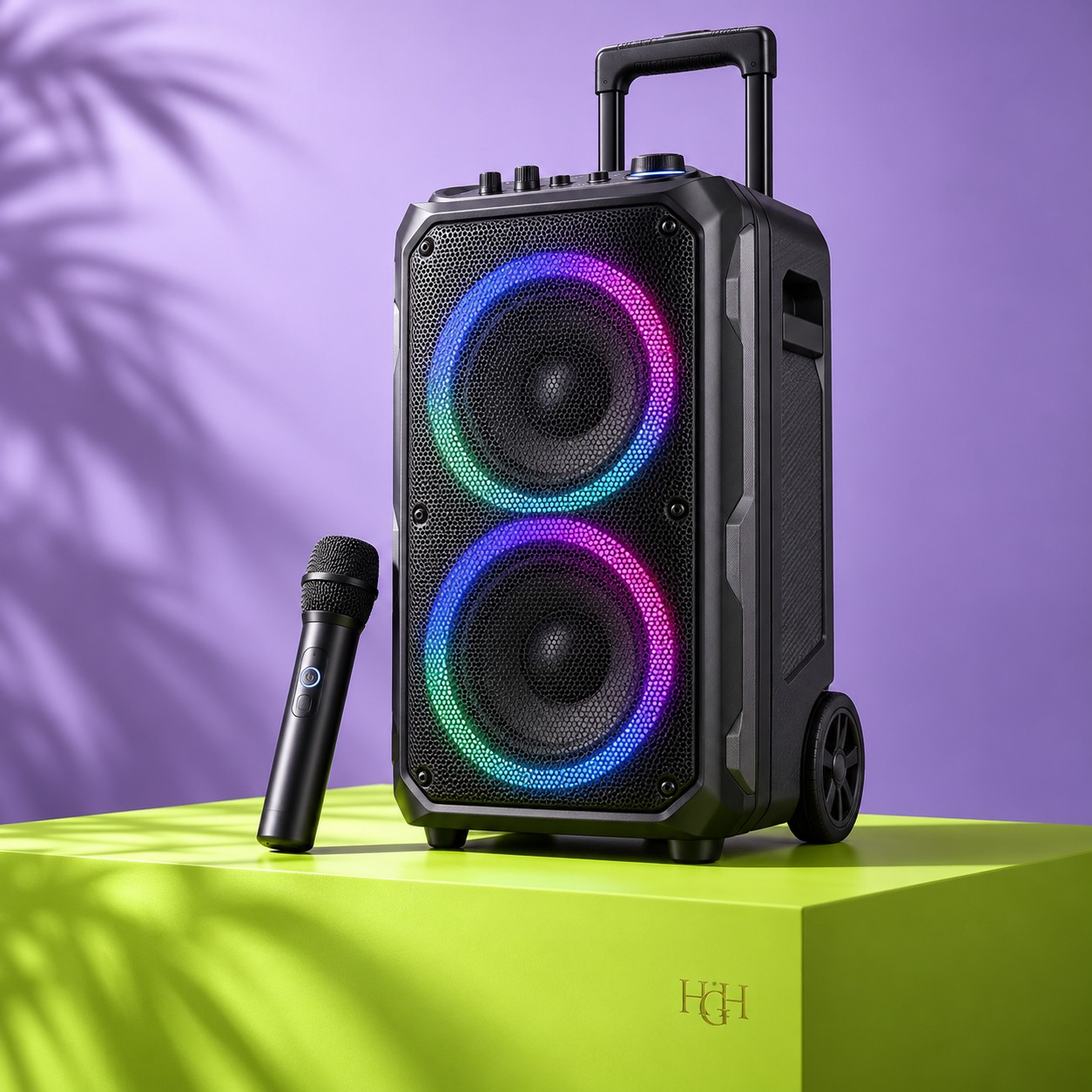
Ask whether a microphone is included, whether it is wired or wireless, and how many microphones can work together. Confirm the batteries, charging requirements and any receiver needed. If you already own a microphone, share its connector and model with the store before adding another accessory.
Plan placement and controls
Keep the microphone away from the front of the speaker and start with a low microphone level to reduce feedback. Follow the manufacturer’s setup instructions. Check whether music and microphone volume have separate controls and whether you can reach them easily where the speaker will stand.
Confirm the whole package
Compare the article number, included microphone, power lead, remote and warranty information. Ask about size and handling if you will move the speaker frequently. A trolley handle can help with transport but does not establish suitability for outdoor use or protection from rain.
A little expert help?
Share your budget, intended use and article number. We’ll help you check the details.
Explore karaoke speakers Ask us on WhatsApp